Change Schedule Backup Time
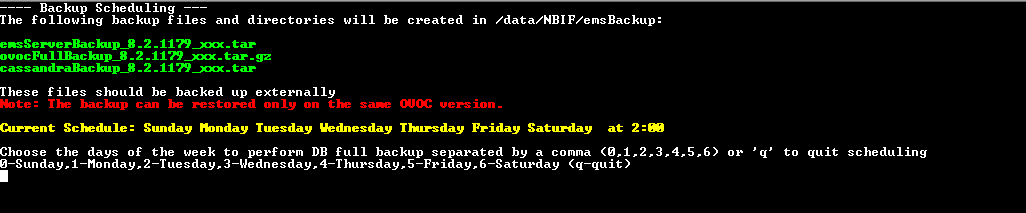
This step describes how to reschedule the time to run the automatic backup of the files described in Backing Up OVOC Server . By default, the backup is run daily at 2:00 am. You can alternatively schedule it to run on specific days.
|
➢
|
To schedule backup time: |
|
1.
|
From the Application Maintenance menu, choose Change Schedule Backup Time. |
|
2.
|
Enter the number corresponding to the days of the week that you wish to perform the backup according to the following (use commas to separate entries): |
Backup Scheduling